Your show. Your rhythm.
Build cues, blend between scenes and let Auto-GO carry your sequence forward.
Live playback
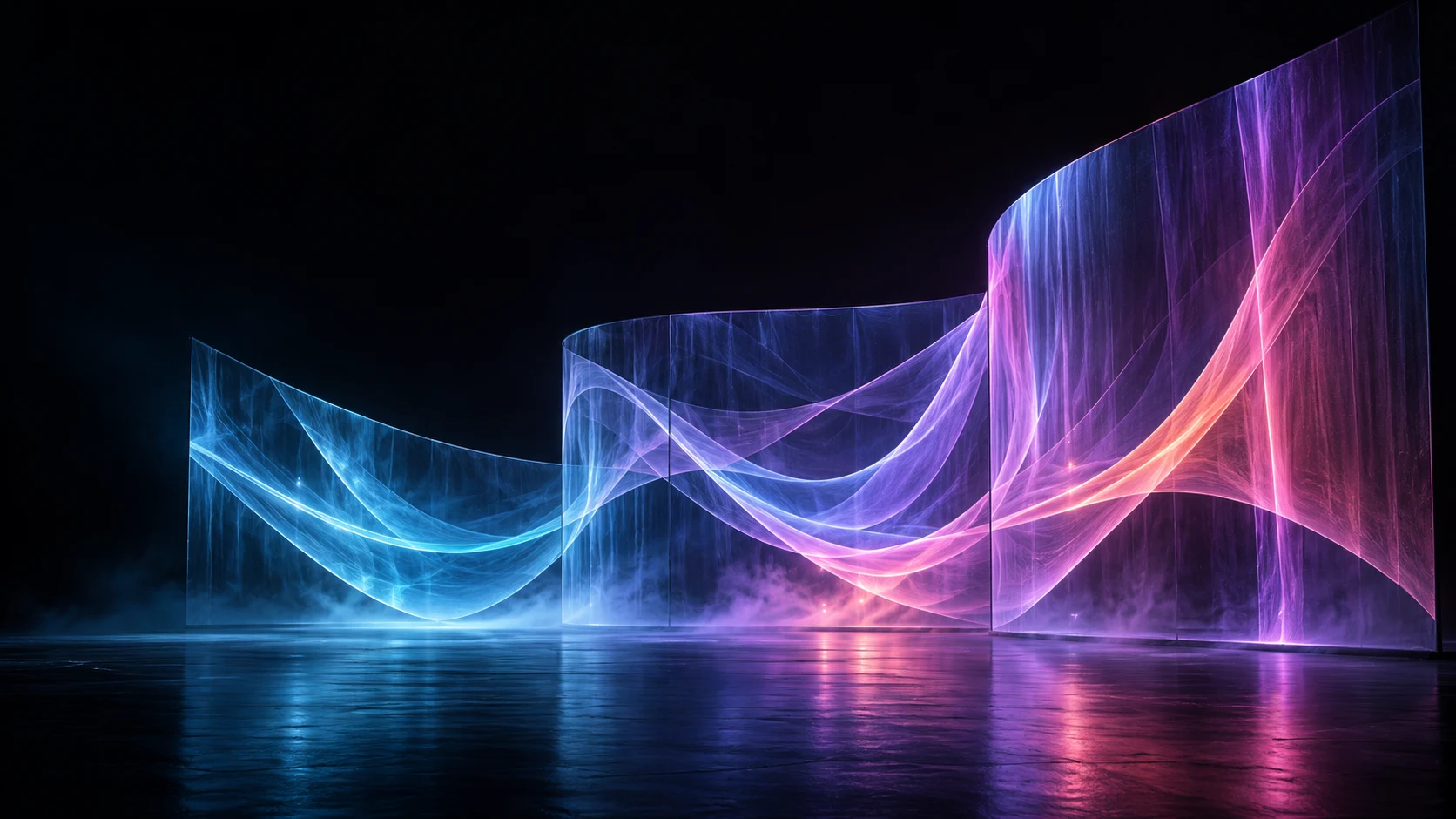
Live visuals, projection mapping and show control.
One creative workspace. Your next performance.
Layer your media, shape your projections and build your show. From rehearsed cues to live decisions, keep your images at your fingertips.
Discover the featuresThe tools to shape your show.
The controls to make it happen.
Build cues, blend between scenes and let Auto-GO carry your sequence forward.
Live playbackShape your visuals around the set. Map surfaces and spread your composition across multiple outputs.
Projection mappingConnect your controls with MIDI and OSC. Add live network video with optional NDI® input.
Connected workflowsChoose a scene. Press GO.
Get a feel for cue-based playback.
Select any cue, or press GO to move to the next scene.
Follow the action. Give every scene its visual voice.
Build atmosphere. Play with layers. Respond in the moment.
Turn surfaces into stories, across screens and projections.
A Linux application for live video playback, projection mapping and show control. Organise your media into layers and cues, then bring your composition to the stage.
Yes. Route different areas of your composition to multiple outputs, and adjust the mapping and edge blending for each surface.
Optional NDI® video input lets you bring live network sources into your show. It requires an NDI-enabled build.
Yes. Assign show actions to MIDI and OSC controls, or trigger them from ArtDmx input. Save your mappings to suit your setup.
Shape your visuals. Build your sequence.
Bring it all to the stage with CAUDALIO.