NDI®
Live video. Across your network.
Add live network video to your composition with optional NDI input.
Requires an NDI-enabled build.
From the first layer to the final cue.
A creative workspace for the way you perform.
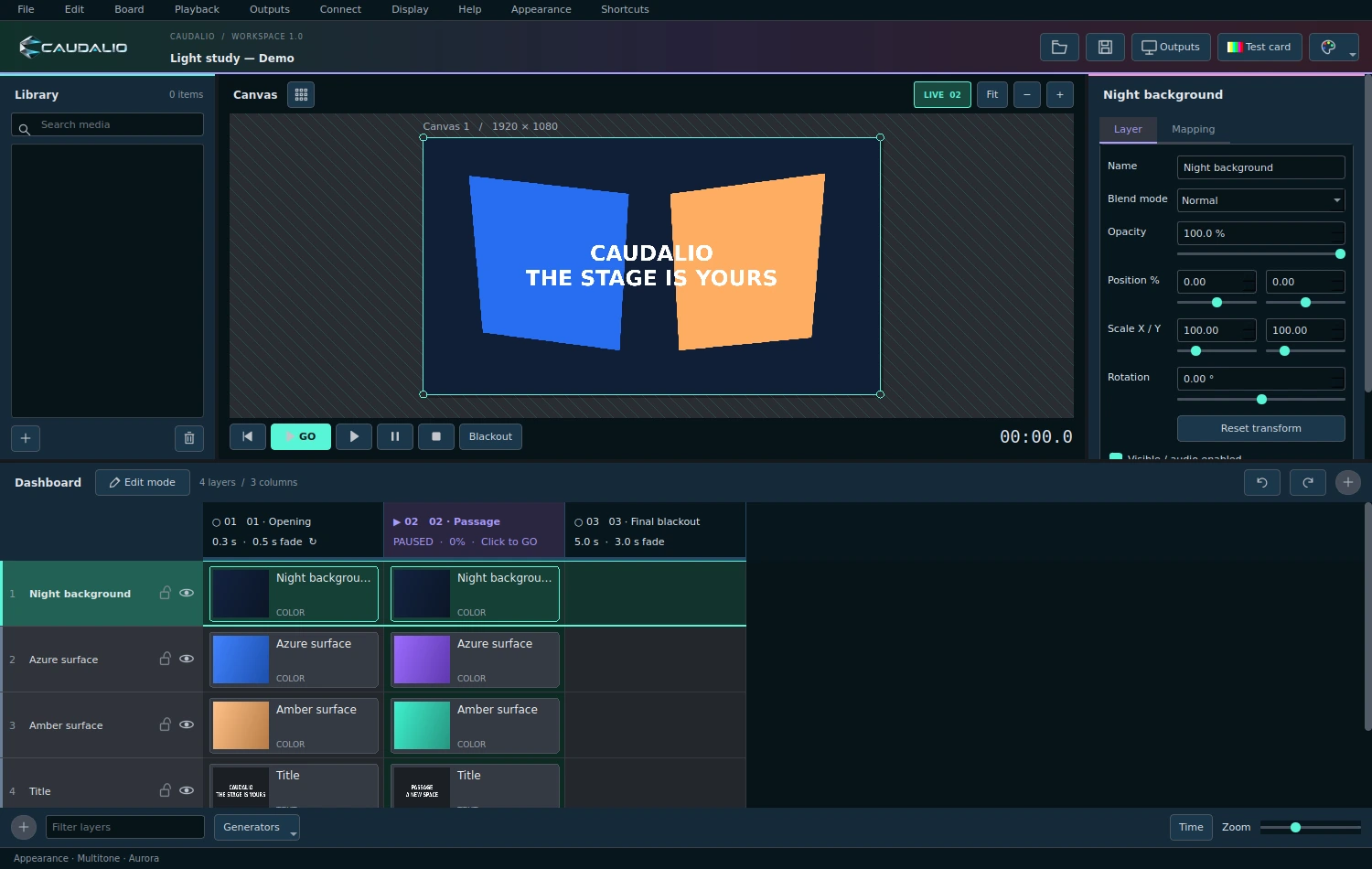
Build your show with layers and scenes. Launch a complete look or play an individual clip whenever the moment calls for it.
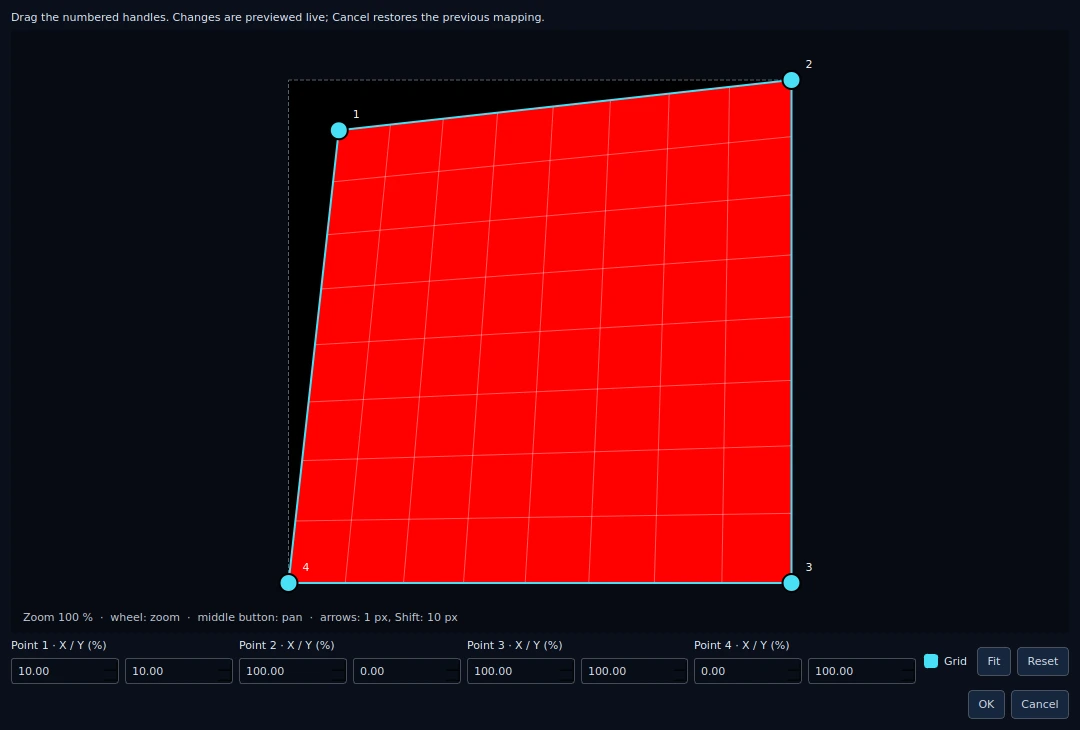
Take your composition across screens, scenery and projection surfaces. Give every output its own place in the picture.
Bring in live sources.
Put show controls where you need them.
Add live network video to your composition with optional NDI input.
Requires an NDI-enabled build.Map controllers to show actions and save profiles for each setup.
Follow external OSC or MIDI timecode to drive playback of the active cue.
Aurora welcomes you in.
Explore 29 colour palettes, customise your shortcuts
and find the view that works for you.
Shape your visuals. Build your sequence.
Bring it all to the stage with CAUDALIO.